In today’s digital landscape, knowing how users interact with your website is vital for success. Google Analytics is a complete tool that enables companies and marketers to monitor website performance, analyse user behaviour, and make informed decisions. While this may feel overwhelming to beginners, this guide will take you through everything you need to know so that you can start to understand and use Google Analytics effectively.
What is Google Analytics?
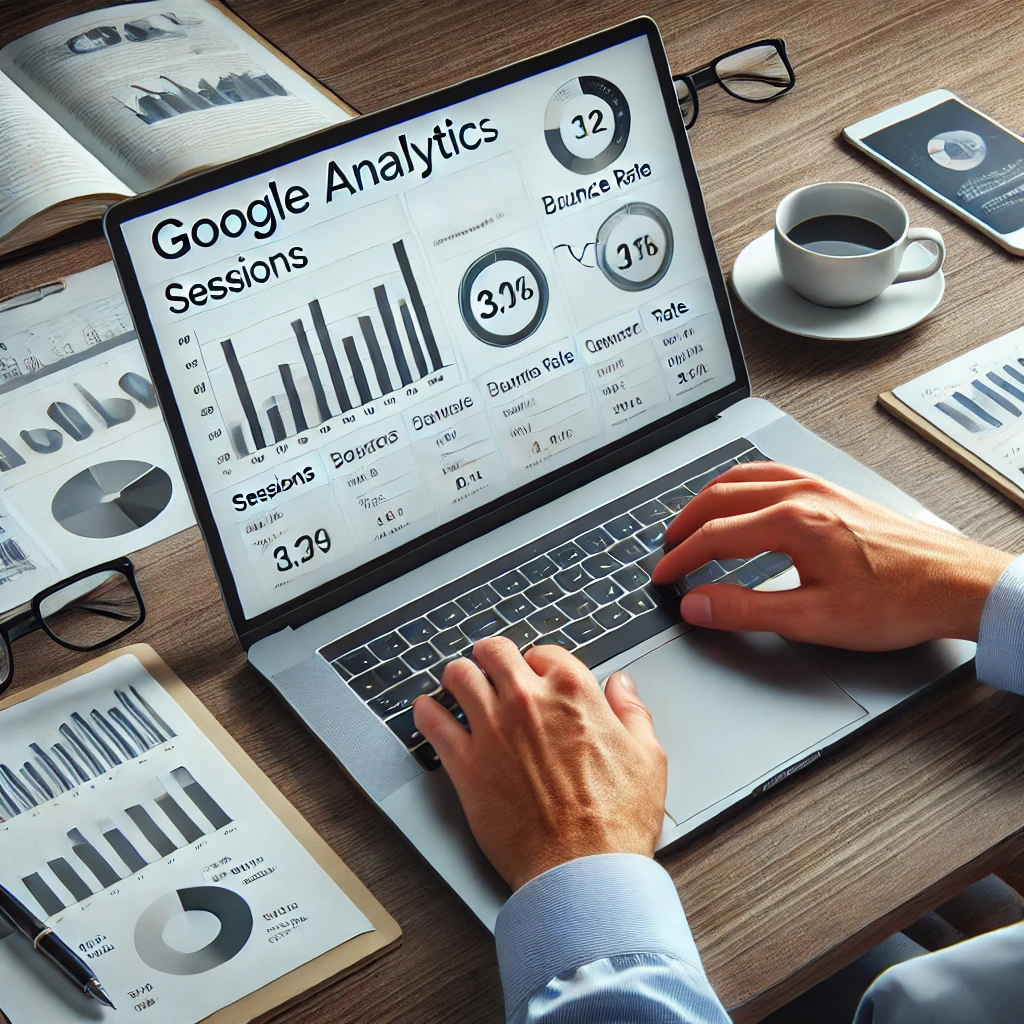
Google Analytics is a free web analytics service offered by Google to track and report website traffic. It captures user interactions with the website and generates insights about user behaviour, traffic sources, demographics, and more. This information is extremely useful in improving site performance, marketing strategies, and enhancing the user experience.
Why Use Google Analytics?
Google Analytics is indeed a must-utilize tool for both website owners and digital marketers.
- Monitoring website performance: Find out how your website performs in terms of traffic, engagement, and conversions.
- Understanding your audience: Get to know your visitor demographic, their source, and their actions on the site.
- Optimizing marketing campaigns: Realize which channel and campaign is performing best.
- Enhancing user experience: Identify the various areas that can be improved to keep visitors engaged on your site.
Key Features of Google Analytics
1. Real-Time Data
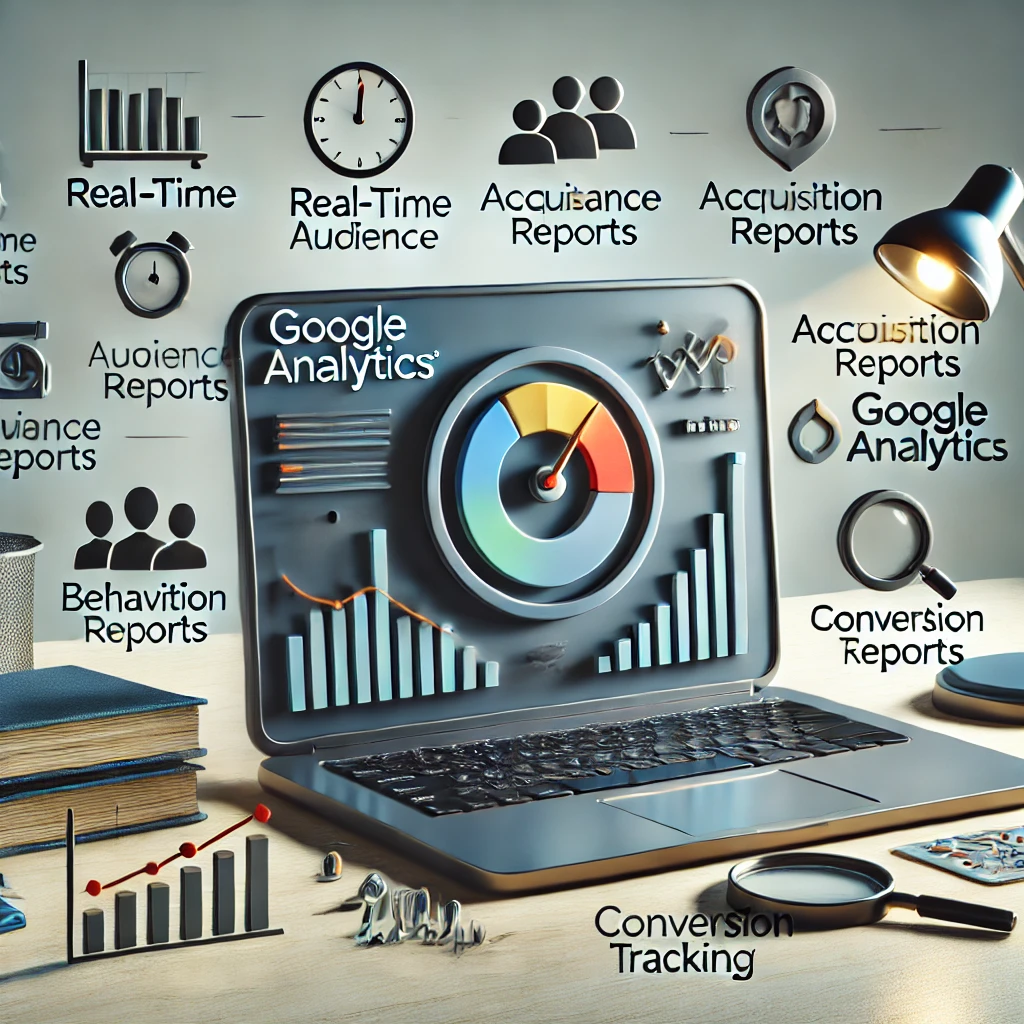
Real-time information allows you to track what’s happening on your site as it happens. You can see the number of active users, the pages they are visiting, their locations, and the sources of traffic. This feature is particularly useful during campaigns or events that need to deal with real-time performance.
2. Audience Reports
Audience reports bring you the insight to understand your visitors better. These reports include demographic information (age, gender, location), interest, devices used, and returning vs. new visitors. Knowing your audience allows you to create targeted campaigns that resonate with them.
3. Acquisition Reports
Acquisition reports show how users find your website, whether via organic search, paid ads, social media, or site referral links. Therefore, you can see which channels drive the most traffic and where to focus on marketing efforts.
4. Behavior Reports
Behaviour reports analyze how the users interact with your website. You can see which pages get the most visits, how long users stay on each page, and the bounce rate. These insights help you understand the content working on your site and what needs improvement.
5. Conversion Tracking
Conversion tracking enables you to track specific actions on your website such as purchases, sign-ups, and downloads. Setting up goals allows you to track the effectiveness of your campaigns and overall site performance.

How to Get Started with Google Analytics
1. Create an Account
Sign up for Google Analytics at analytics.google.com. Use your Google account to create an account and set up a property for your website.
2. Install the Tracking Code
Once your property is created, Google will give you a unique tracking code. This code will need to be added to the header of every page on your website. If you’re working with a CMS like WordPress, plugins like “Site Kit by Google” will make this easier.
3. Set Up Goals
Goals help you track specific user actions, such as completing a form, making a purchase, or spending a certain amount of time on your site. Define your goals based on your business objectives.
4. Explore the Dashboard
The Google Analytics dashboard is where you’ll find all your data. Familiarize yourself with its layout, including the home, reports, and admin sections. Start by exploring key metrics like sessions, users, and page views.
Important Metrics to Understand
1. Sessions and Users
- Sessions: A session is a single visit to your website by a user.
- Users: The number of unique visitors to your website.
2. Page Views
The total number of pages viewed by users. Repeated views of a single page are counted.
3. Bounce Rate
The percentage of visitors who leave your website after viewing only one page. A high bounce rate may indicate that users are not finding what they’re looking for.
4. Average Session Duration
The average amount of time users spend on your website. Longer durations typically indicate higher engagement.
5. Conversion Rate
The percentage of users who complete a desired action, such as filling out a form or making a purchase.
Tips for Beginners
- Start Small: Focus on key metrics like traffic, bounce rate, and conversion rate before diving into advanced features.
- Use Annotations: Add notes to your reports to mark significant events like campaign launches or website updates.
- Set Alerts: Create custom alerts to notify you of unusual activity, such as a sudden spike in traffic.
- Leverage Segments: Use segments to analyze specific groups of users, such as those from a particular location or device.
Common Mistakes to Avoid
- Not Setting Goals: Without goals, it’s difficult to measure success.
- Ignoring Mobile Traffic: Ensure your website is optimized for mobile users, as they often make up a significant portion of traffic.
- Overlooking Data Accuracy: Double-check your tracking code and settings to ensure accurate data collection.
- Focusing on Vanity Metrics: Metrics like page views are important, but they don’t always indicate success. Focus on actionable insights.
Conclusion
Google Analytics is an intuitive instrument that provides priceless insights about the performance of your website. By familiarizing yourself with its features and metrics, you can take appropriate steps to effective marketing strategy development, bringing much-needed enhancement to the user experience. Google Analytics has to be in the tool bag of everybody-from small blogs to big e-commerce sites to establish success in the digital world.
Launching today into Google Analytics has the capability for you to fully exploit your online venture. Given the relevance of consistency during analysis and action, these traits will certainly be your key to success in digital marketing.